Honda Keys and Fobs, Done Where You Are
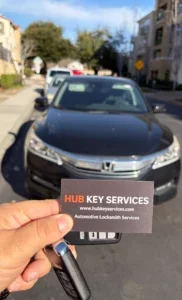
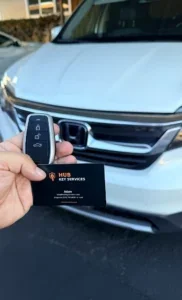
Hondas are everywhere in Fremont, and we see a lot of them. Recent Honda jobs include programming a key for a Honda Pilot, a smart key for an Accord, a key for a Civic, and a new key fob for a 2022 Civic that we set up at the owner’s place. As he put it in his review, we came out, set up the new fob and made sure everything was working.
Most Hondas from the last two decades have a chip in the key, and newer ones use smart keys for push-to-start. Either way the key has to be cut (if it has a blade) and then programmed to the car. We do both in one visit, at your car.
Honda Keys We Make and Program
- Chip keys and remote head keys for older Civics, Accords, CR-Vs and Odysseys
- Flip keys with the blade that folds into the fob
- Smart keys for push-to-start Hondas
- Spare keys, which are easier and cheaper while you still have one working key
- New keys when you’ve lost them all; see car key replacement
Fob Stopped Working?
Before paying for a new Honda fob, try a new battery. It’s the most common reason buttons stop working. If a fresh battery doesn’t help, the fob may have lost its programming or the board inside is damaged. We test it first and only replace it if we have to. More on that on our key fob programming page.
What a Honda Key Costs
It depends on the key type, the model year and whether you still have a working key. A basic chip key costs less than a smart key, and adding a spare costs less than starting from nothing. See typical ranges on our pricing page, or call with the year and model for an exact price. Our labor has a 60-day workmanship warranty.
Honda Key FAQs
Can you make a Honda key without the original?
Yes, on most models. We get the cut from the lock or the key code and program the new key to the car.
Do you do Acura keys?
Acura is Honda’s luxury brand and uses similar keys. Call with the year and model and we’ll tell you if we can do yours.
Can I just get the fob shell replaced?
If the buttons and chip still work and only the case is cracked, often yes. Bring it up when you call.